How to Claim Your Items

Watch our quick video tutorial, or follow the step-by-step image guide below to receive your items instantly.

Claim Walkthrough

1 of 9

Coming Soon!

The Blade Ball claim walkthrough is currently being updated.

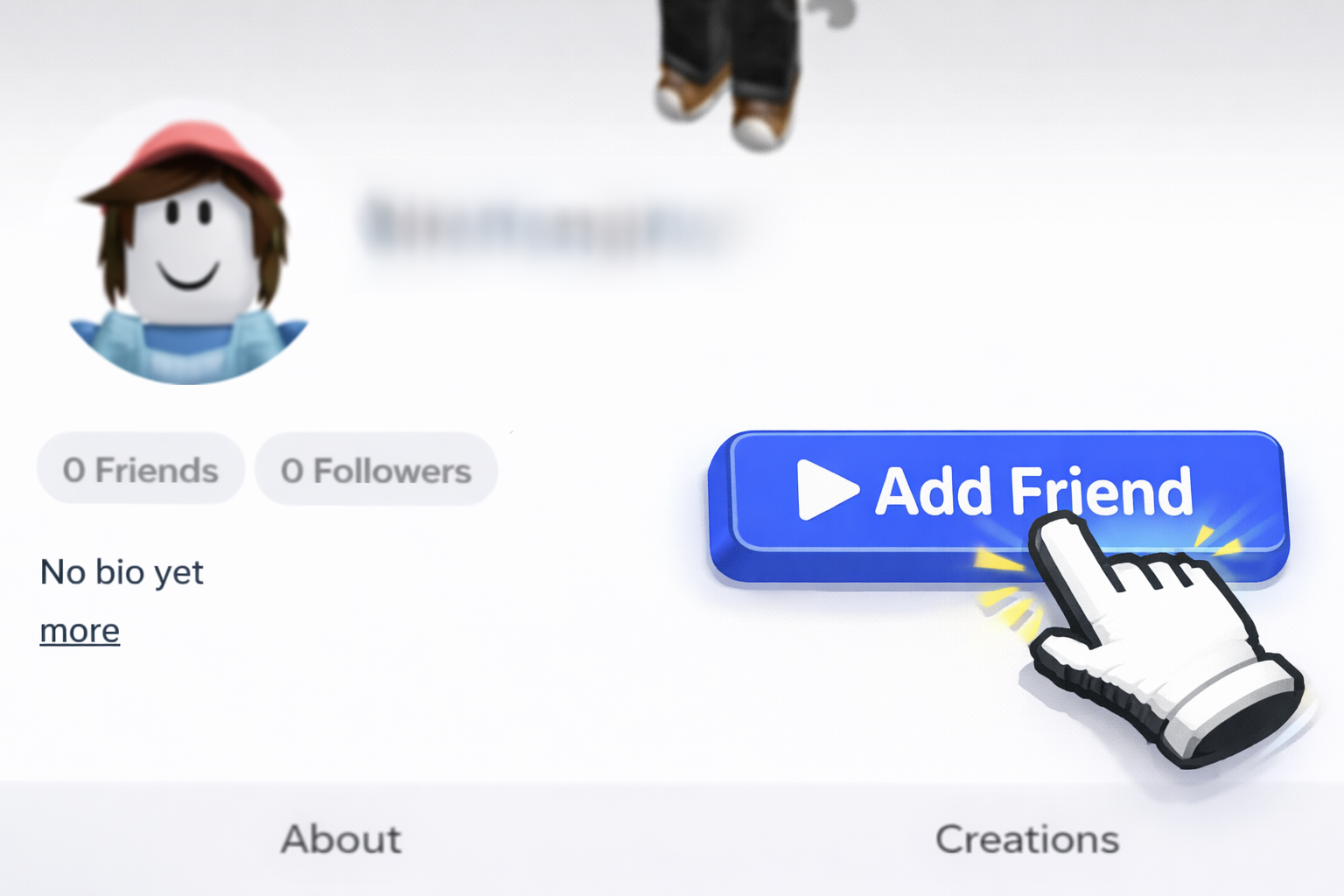
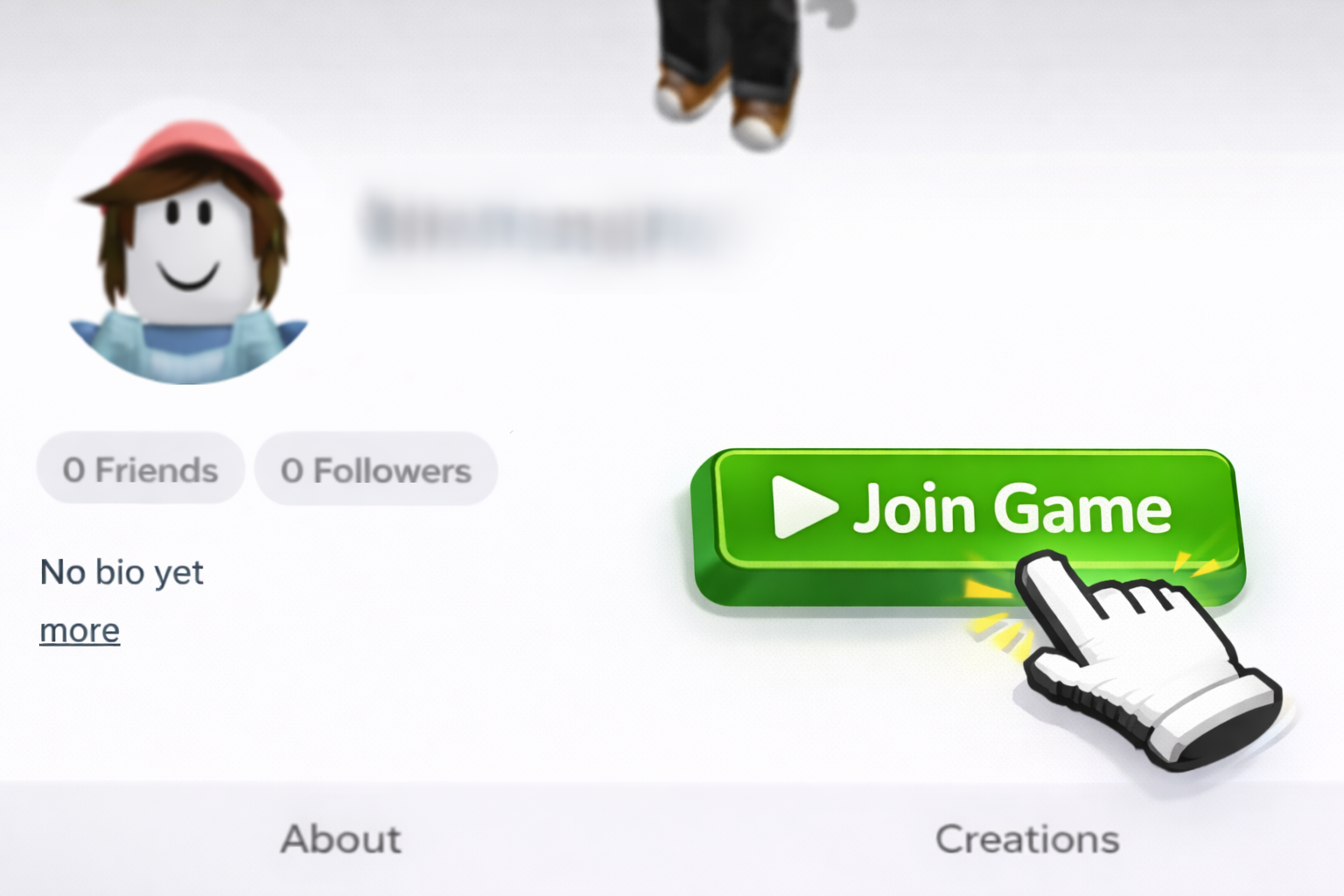
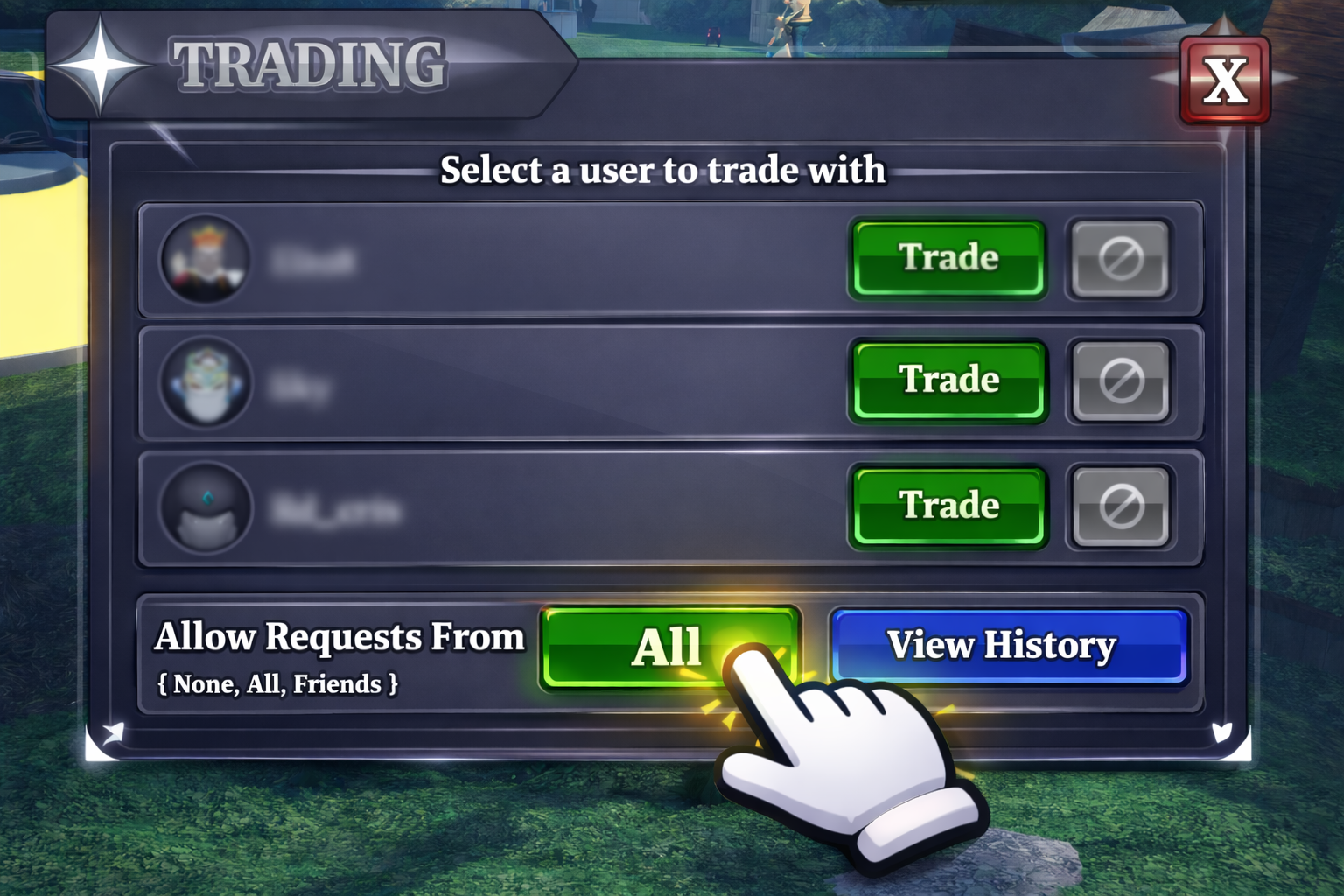
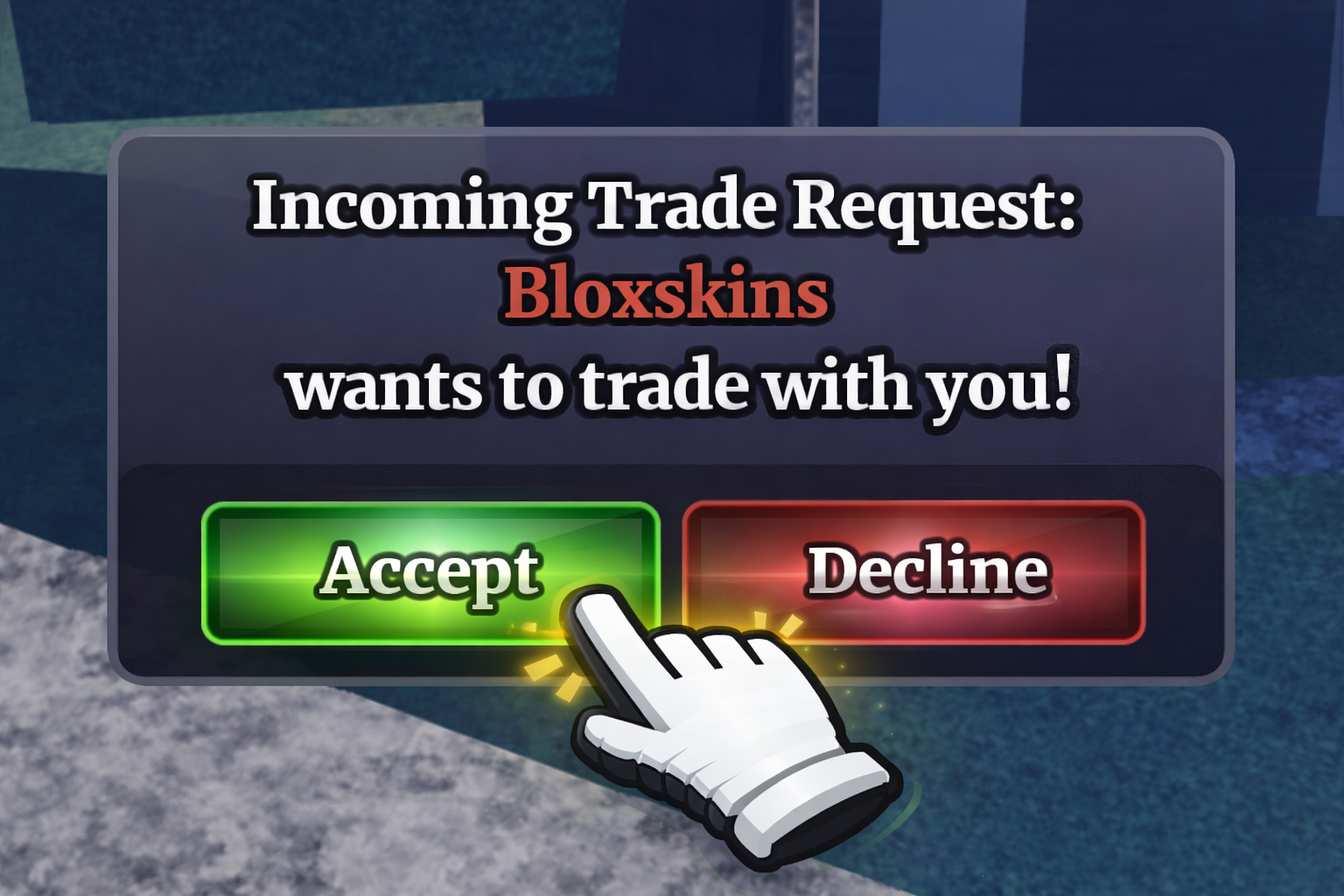
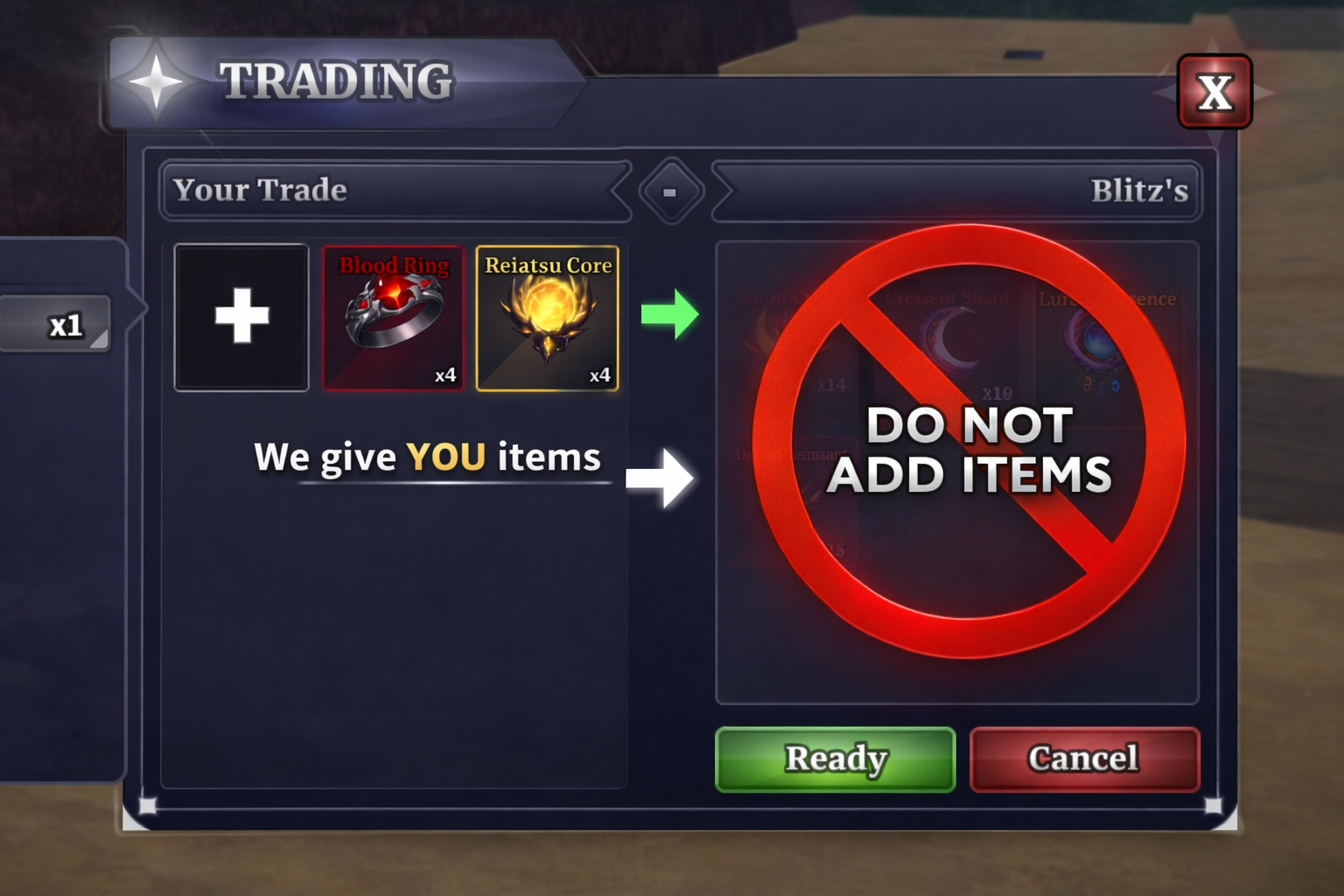
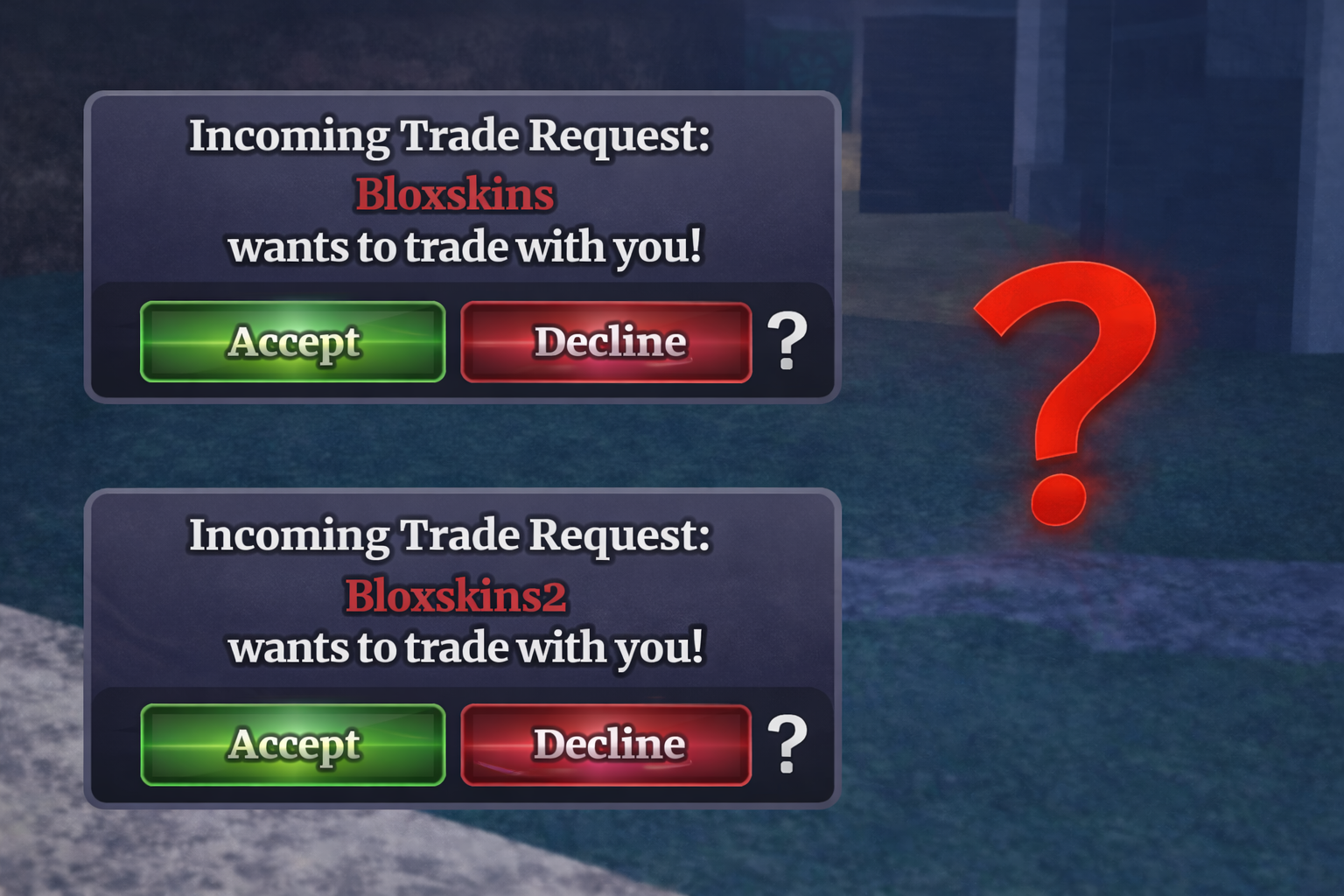
Order confirmation Enter your Roblox username Add our bot Friend request sent Join the bot's game Enable trades Accept the trade Do not add items Multiple trades
STEP 1

Order confirmation

After checkout, you will be redirected to the order confirmation page. Press the Claim order button to be redirected to our claim page.

Video Tutorial

Step-by-step walkthrough

Coming Soon!

The Blade Ball video tutorial is currently being recorded.

Claim Tutorial Video Thumbnail
VIDEO

Watch our quick video

A clear visual guide that matches the steps on the left, so you can follow along easily when claiming your items.

Watch on YouTube